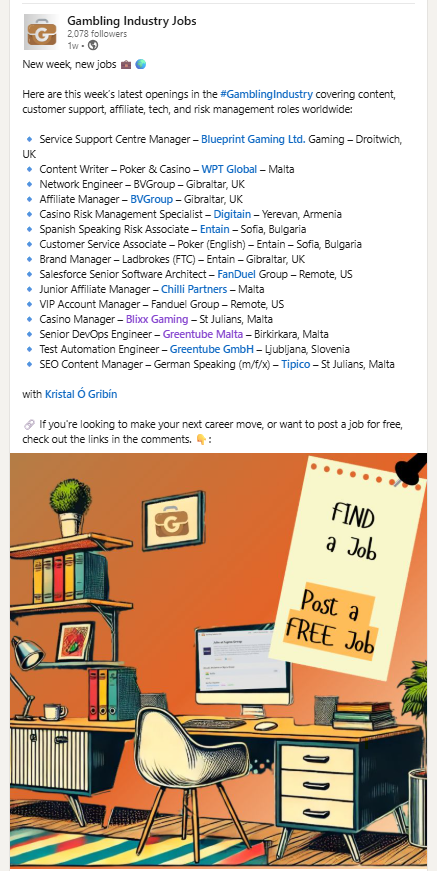
How to post a job for recruiters and hiring managers
Publish your open roles on our platform and get visibility in front of top-tier gambling industry professionals. All jobs posted on GamblingIndustryJobs.com are automatically synced to CasinoIndustryNews.com jobs page. Both brands combined have a LinkedIn following of 27K followers.
4 Steps to add your job listing:

Step 1: Visit the Job Submission Page
Go directly here.
Step 2: Fill Out the Job Submission Form
You’ll be asked to complete the following fields:
Company Information:
- Company Name – Please enter the official name of your company or hiring agency.
- Hiring Manager Name – This will not be published.
- Hiring Manager Email – Must be valid. You’ll receive a verification email.
- Company Website URL – Include the full URL (e.g., https://example.com).
Job Listing Information:
- Job Title – e.g., “CRM Manager – Sportsbook” or “Head of Marketing – US”
- Job Type – Select from the dropdown: Full time, Part time, Contract, Freelance.
- Work Location – Include city and country (e.g., “London, UK” or “Remote”).
- Salary Range – You can enter “Competitive” or a range (e.g., “$80,000+”).
Job Description – Please structure your listing using the following 4 sections:
- Company Overview
- Role Overview
- What You’ll Do
- Benefits
Tip: Use third-person language (e.g., “The company is seeking…” instead of “We are looking for…”) to maintain a platform-neutral tone.
Additional details:
- Qualifications / Requirements – Briefly summarize required skills, tools, and experience.
- Application Deadline – Format: dd/mm/yyyy (within 45 days from submission).
- Salary per annum – e.g., £/$/€30,000+ or “Competitive”.
- Link to Job Page – Where applicants should apply. Example (URL):https://recruiting.ultipro.com/ABC123/JobBoard/xyz/OpportunityDetail?opportunityId=abc-123
Step 3: Choose between direct or email application method
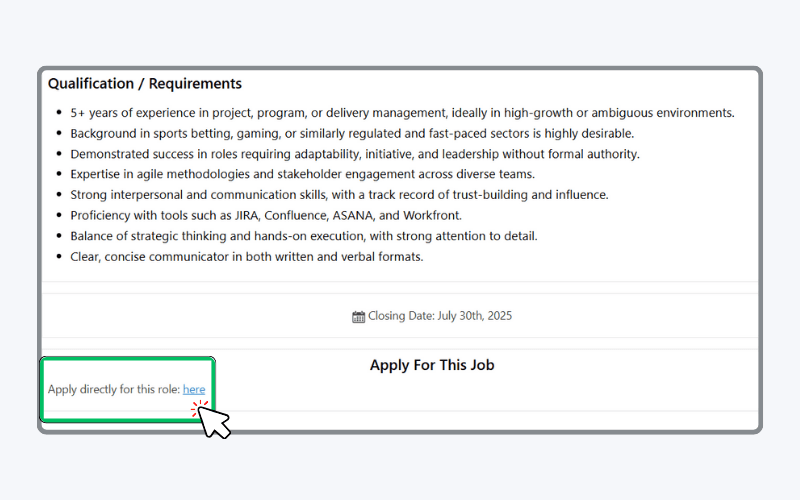
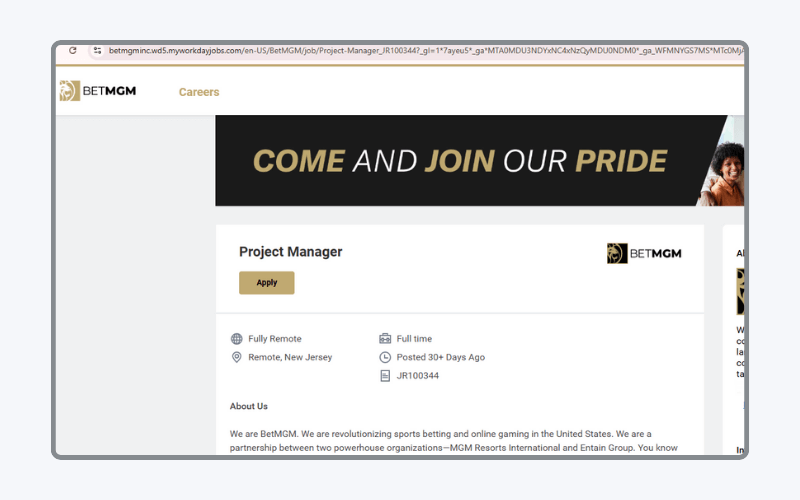
Direct URL application method
When logged in users, scroll to the bottom of a job they are interested in and click “Apply directly” they will be taken to the employers job page. For example.
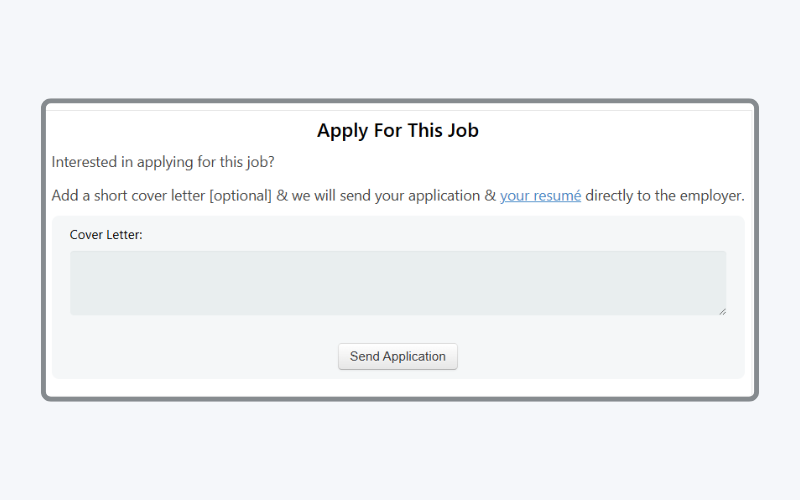
OR Email application method
When logged-in users scroll to the bottom of a job listing, they can write a covering letter and send it—along with the resume they’ve created within the system. The email is sent directly to the employer or recruiter via the email address provided under the application method.
The message you receive will include the jobseeker’s email address, allowing you to follow up with the candidate directly.
Step 4: Review & Submit
Once all fields are complete, hit “Submit Job Listing” , then proceed to your inbox to verify your email address.
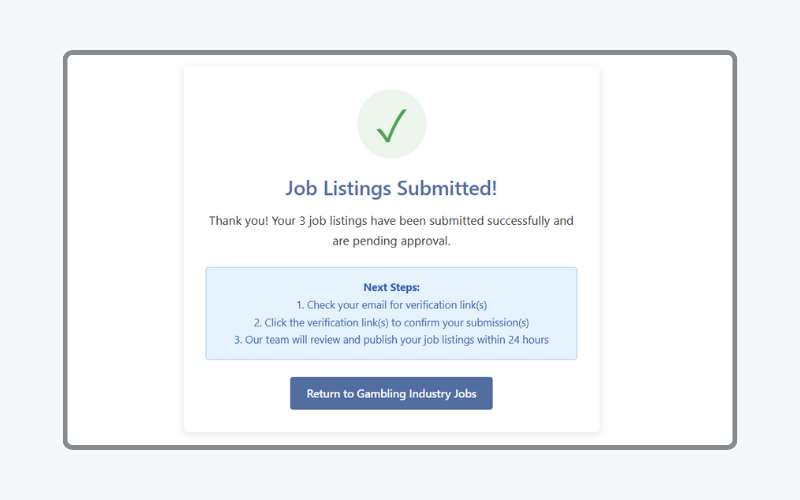
Check your email to verify each job listing. (Note: This feature is being updated so you’ll only need to verify once, rather than for every listing.)

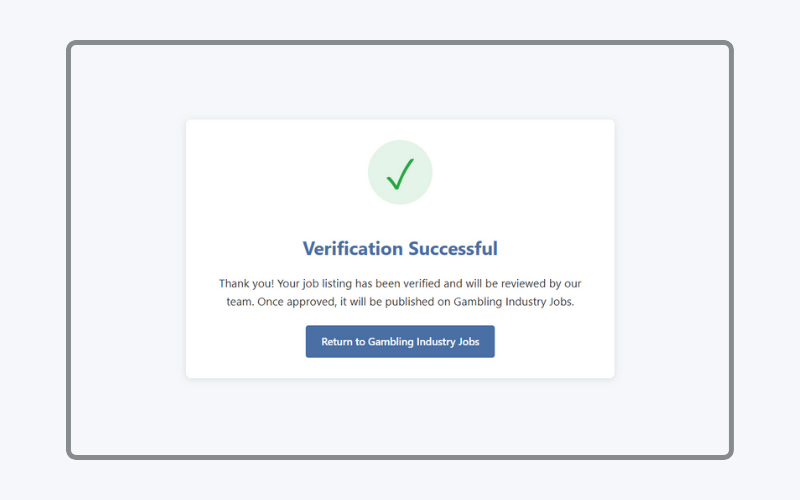
Your post will be reviewed and published within 24 hours (work days). You will also receive an email from us letting you know your job(s) have been added.
Important Guidelines
- Employers and recruiters are welcome to post up to 5 free job listings per month.
- Should you need more listings, please get in touch to discuss tailored packages at hello@gamblingindustryjobs.com
- Application Deadline – The closing date must be no more than 30 days from submission date.
- Use third-person language (e.g., “The company is seeking…” instead of “We are looking for…”) to maintain a platform-neutral tone. Avoid using “our company,” “we,” or “you.”
- Don’t forget to check your inbox for the email verification after you hit submit.
Social Media
If approved, it will appear on our job board here and on Casino Industry News here. It may be promoted via our social media.